The TP-Link USB Bluetooth Adapter review centers on the UB500 Plus, a compact way to add Bluetooth connectivity to a compatible Windows PC.
Its Bluetooth 5.3 support and adjustable antenna make it a considered option for people pairing peripherals in a home or office setup.
TP-Link UB500 Plus Review Summary
The quick verdict
1,000+ ratings
Read Amazon ReviewsTP-Link UB500 Plus
A fit for Windows PC owners who want newer Bluetooth support and an adjustable antenna for pairing peripherals around a desktop or laptop.
- Bluetooth 5.3 support with backward compatibility for Bluetooth 4.2, 4.0, 3.0, 2.1, 2.0, and 1.1.
- Enhanced Data Rate (EDR) and Bluetooth Low Energy (BLE) technology.
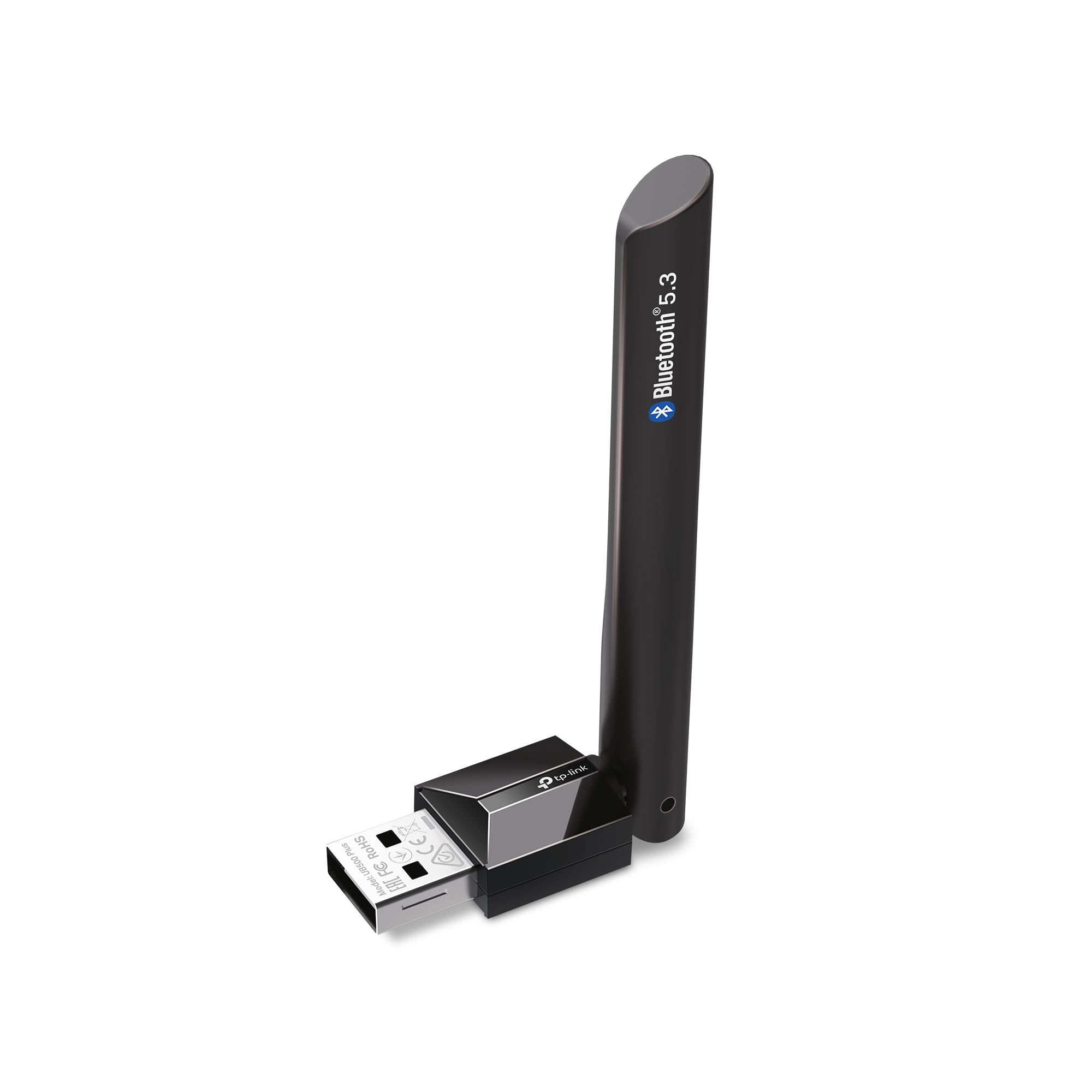
- Adjustable, multi-directional antenna that can be rotated to change its position.
- Designed to add Bluetooth capability to a non-Bluetooth desktop or laptop.

Pros
- Bluetooth 5.3 support while remaining compatible with several earlier Bluetooth versions.
- An adjustable antenna offers more positioning flexibility than a fixed orientation.
Consider before buying
- Windows 7 requires a driver, so setup is less direct than on the plug and play Windows versions.
- The listed operating system support is Windows-focused; buyers using another system should confirm compatibility first.
Read the full review summary
The UB500 Plus combines Bluetooth 5.3 with backward compatibility for several earlier Bluetooth versions, giving owners of non-Bluetooth PCs a route to connect compatible devices.
Enhanced Data Rate (EDR) and Bluetooth Low Energy (BLE) are intended to support data transfer and power-conscious operation, while the multi-directional antenna can be repositioned to suit the adapter's surroundings.
It is best suited to a Windows desktop or laptop where adding Bluetooth is the main goal and there is room to position the antenna.
Windows 8.1, 10, and 11 are described as plug and play when the computer has internet access; Windows 7 requires a driver.
Check your Windows version and setup before buying, especially if you need support for an operating system outside those listed.
The buying factors
TP-Link UB500 Plus Scorecard
Editorial scores reflect listed features and buyer fit; they are not laboratory measurements or customer ratings.
Bluetooth version support
Bluetooth 5.3 support and compatibility with several earlier versions give it broad stated coverage for existing Bluetooth devices.
Antenna adjustability
The multi-directional antenna can be rotated and adjusted, giving buyers some flexibility in placement.
Setup convenience
Plug and play is specified for Windows 8.1, 10, and 11 with an internet connection; Windows 7 needs a driver.
Efficiency features
EDR and BLE are included, with the design described as balancing transfer speed and power consumption.
Operating system clarity
The supported Windows versions are clear, though buyers using another operating system should confirm compatibility before choosing it.
Everyday PC utility
It is designed to add Bluetooth to a desktop or laptop for common peripherals such as keyboards and mice.
Key Features and Specifications of TP-Link UB500 Plus
- Bluetooth 5.3 support with backward compatibility for Bluetooth 4.2, 4.0, 3.0, 2.1, 2.0, and 1.1.
- Enhanced Data Rate (EDR) and Bluetooth Low Energy (BLE) technology.
- Adjustable, multi-directional antenna that can be rotated to change its position.
- Designed to add Bluetooth capability to a non-Bluetooth desktop or laptop.
- Plug and play support for Windows 8.1, 10, and 11 when the computer is connected to the internet.
- Windows 7 support requires a driver download.
Pros and Cons of TP-Link UB500 Plus
Pros
- Bluetooth 5.3 support while remaining compatible with several earlier Bluetooth versions.
- An adjustable antenna offers more positioning flexibility than a fixed orientation.
- Plug and play setup is specified for several Windows versions, with an internet connection.
- EDR and BLE cover two useful aspects of Bluetooth connectivity: data transfer and lower-power operation.
Consider before buying
- Windows 7 requires a driver, so setup is less direct than on the plug and play Windows versions.
- The listed operating system support is Windows-focused; buyers using another system should confirm compatibility first.
- The claimed speed and coverage improvements are comparisons with Bluetooth 4.0, not a guarantee of results in every room or PC setup.
Who Should Buy TP-Link UB500 Plus?
Good fit
Consider the UB500 Plus if your Windows desktop or laptop lacks Bluetooth and you want to connect everyday devices such as a keyboard or mouse.
Bluetooth 5.3 support and backward compatibility make it a practical fit when you have a mix of newer and older Bluetooth accessories.
The adjustable antenna is useful if the PC's position or nearby surfaces make adapter orientation a consideration.
You can rotate it to find a more suitable direction, though actual connection quality depends on the surrounding setup and should not be assumed from the stated coverage comparison alone.
For Windows 8.1, 10, or 11, the described plug and play setup requires an internet connection. Windows 7 owners should be comfortable obtaining and installing a driver before relying on the adapter.
Who should skip it
Skip this choice if you need confirmed support for an operating system other than the Windows versions listed. Check compatibility for your specific system and Bluetooth devices before purchasing.
Look elsewhere if your priority is a tiny, fixed-profile adapter with no antenna to position; the UB500 Plus's adjustable antenna is a central part of its design.
What the TP-Link UB500 Plus Means for a PC Setup
Bluetooth 5.3 and legacy device support
The adapter supports Bluetooth 5.3 and lists compatibility back through version 1.1. That breadth can be helpful in a household with accessories from different generations, although compatibility still depends on the particular device and its requirements.
Antenna positioning in a desktop environment
A multi-directional antenna that rotates gives the owner room to change its orientation rather than leaving it fixed.
This may be convenient when a desktop sits under a desk or close to other equipment, but it does not establish a particular range in a given room.
EDR, BLE, and intended use
EDR and BLE address different Bluetooth needs: data rate and low-energy operation. For a buyer connecting common PC peripherals, their inclusion broadens the adapter's stated technology support without requiring a complex feature setup.
Windows setup expectations
The easiest setup path is described for Windows 8.1, 10, and 11, provided the PC has internet access.
Windows 7 users should plan for a driver download, while anyone outside those versions should verify compatibility before relying on the adapter.
Alternatives to TP-Link UB500 Plus
Only one supplied alternative offers a distinct, relevant option for adding Bluetooth connectivity to a PC.
Bluetooth Network Adapters alternative
3,000+ ratings
Read Amazon ReviewsSABRENT BT-UB40 USB Bluetooth 4.0 Micro Adapter
Choose the TP-Link if newer Bluetooth version support and antenna positioning matter for a PC peripheral setup.
The SABRENT is a more relevant fit if you specifically want a Bluetooth 4.0 micro adapter and its listed cellphone, headset, or tethering uses match your needs.
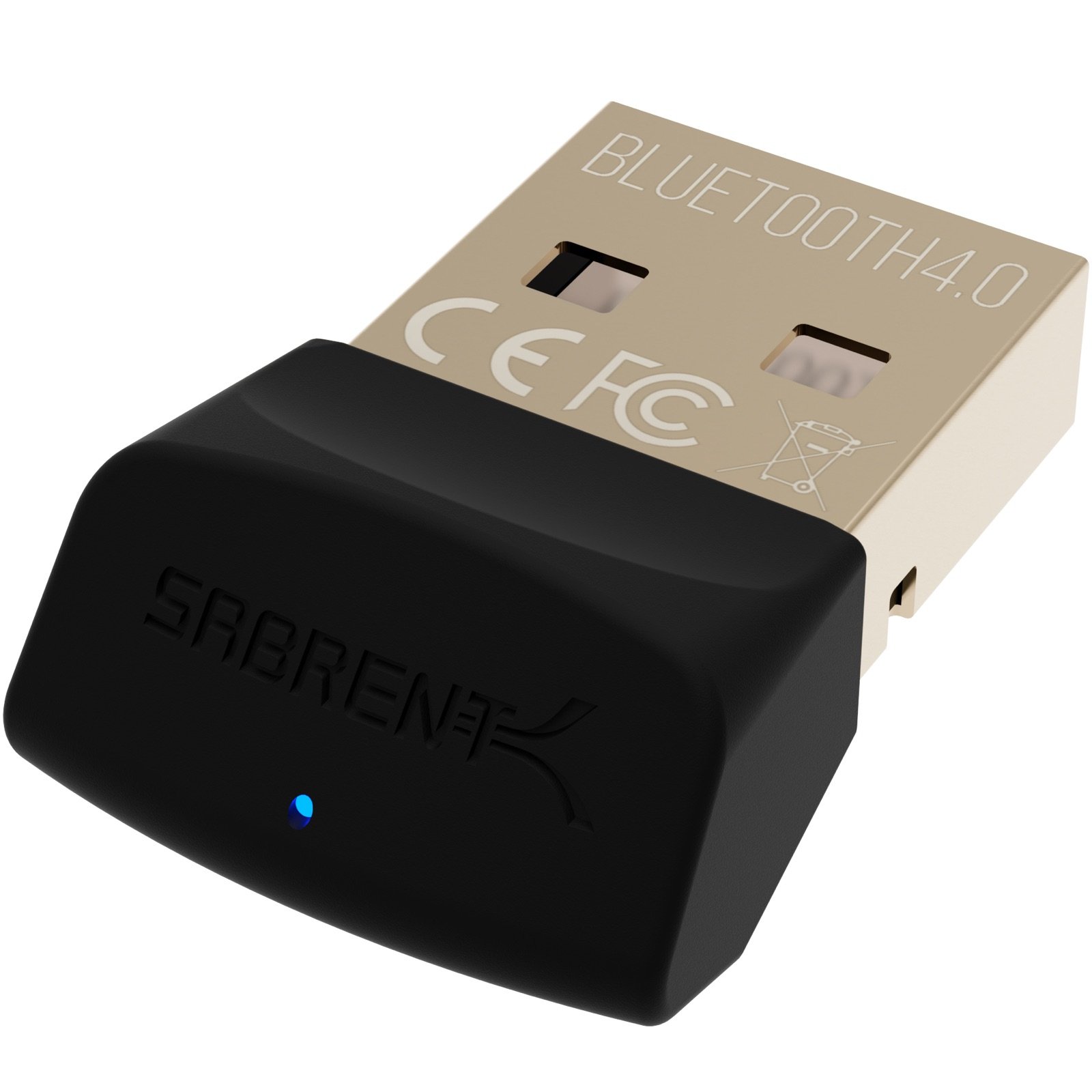
- The SABRENT BT-UB40 is a Bluetooth 4.0 Class 2 micro adapter with Low Energy Technology.
- Its listed compatible devices include cellphones, and its stated uses include connecting a Bluetooth headset or accessing a mobile phone's internet connection.
- The TP-Link UB500 Plus supports Bluetooth 5.3, includes an adjustable multi-directional antenna, and lists plug and play support for Windows 8.1, 10, and 11.
Is TP-Link UB500 Plus Worth It?
The TP-Link UB500 Plus is worth considering when you need to add Bluetooth to a Windows PC and value Bluetooth 5.3 support, backward compatibility, and an adjustable antenna.
Its stated plug and play path is convenient on Windows 8.1, 10, and 11 with internet access.
Check your operating system before buying: Windows 7 requires a driver, and support for other systems is not specified here.
Treat the speed and coverage comparisons as design claims rather than a promise of the result in your particular setup.
Your review at a glance
1,000+ ratings
Read Amazon ReviewsTP-Link UB500 Plus
A fit for Windows PC owners who want newer Bluetooth support and an adjustable antenna for pairing peripherals around a desktop or laptop.
- Bluetooth 5.3 support with backward compatibility for Bluetooth 4.2, 4.0, 3.0, 2.1, 2.0, and 1.1.
- Enhanced Data Rate (EDR) and Bluetooth Low Energy (BLE) technology.
- Adjustable, multi-directional antenna that can be rotated to change its position.
- Designed to add Bluetooth capability to a non-Bluetooth desktop or laptop.