The SABRENT Dual-Bay USB-C Hard Drive Docking Station & Cloner review is for anyone who needs a straightforward way to access two SATA drives or duplicate one without a computer.
Its useful combination is dual-drive reading and writing, tool-free setup, and a USB-C connection with transfer speeds of up to 5Gbps.
SABRENT Dual-Bay Dock Review Summary
The quick verdict
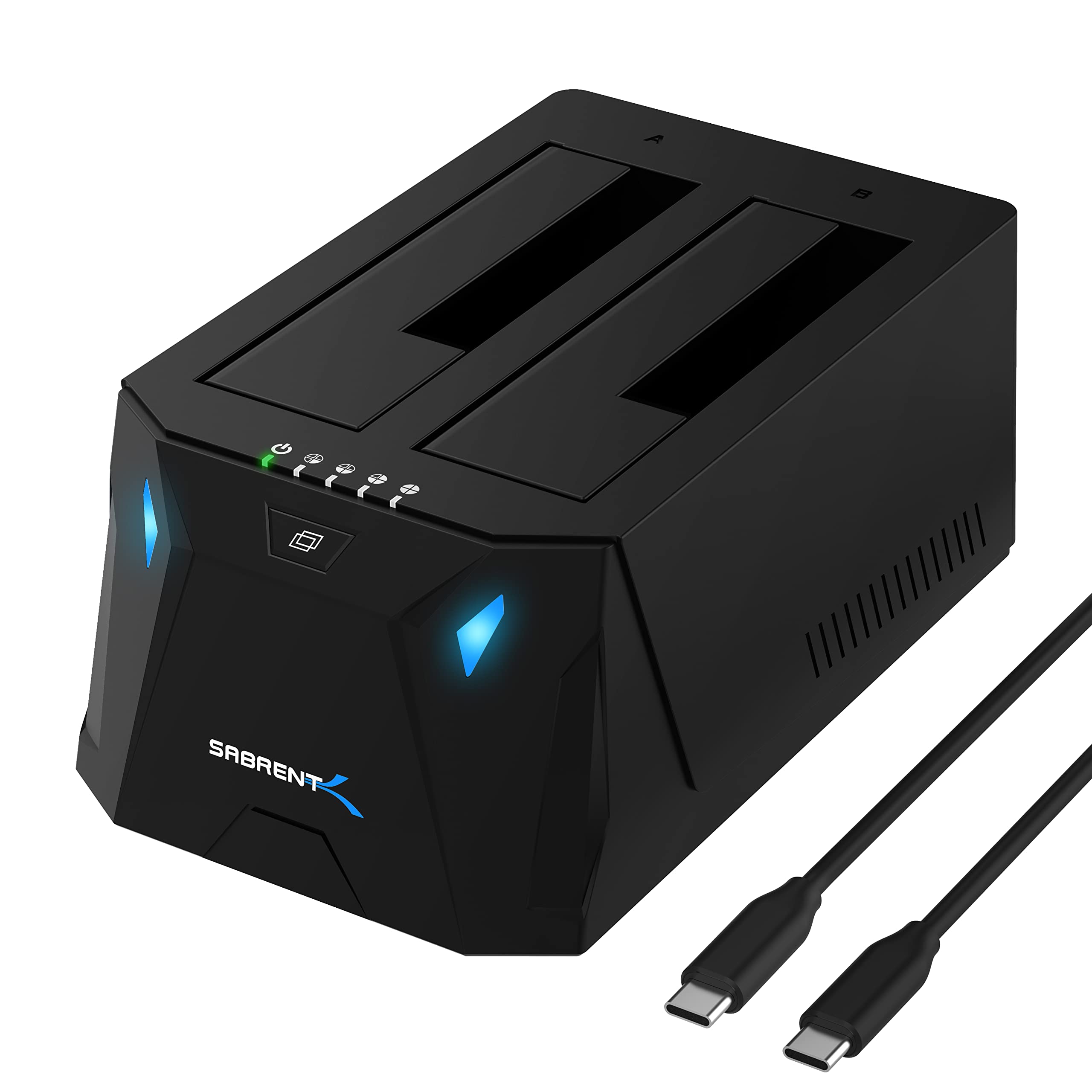
1,000+ ratings
Read Amazon ReviewsSABRENT Dual-Bay USB-C Hard Drive Docking Station & Cloner
A practical fit for buyers who work with 2.5- or 3.5-inch SATA drives and want two-bay access plus offline cloning.
- Two drive bays support reading from and writing to two drives simultaneously.
- Offline cloning copies a drive without requiring a computer, at speeds listed up to 60MBps.
- USB 3.0 connection offers transfer speeds of up to 5Gbps.
- Compatible with 2.5-inch and 3.5-inch SATA hard drives.

Pros
- Combines two-drive access and offline cloning in one dock.
- Works with both 2.5-inch and 3.5-inch SATA HDDs.
Consider before buying
- The USB 3.0 connection's maximum speed may be lower than newer interfaces, so check whether the 5Gbps ceiling fits your transfer workload.
- Offline cloning is listed up to 60MBps, so buyers with large drives should allow time for copies to complete.
Read the full review summary
This dock is built around flexibility: use it to read from and write to two drives at once, or use its offline cloning function to copy a drive directly.
It accepts 2.5- and 3.5-inch SATA HDDs, and the product description says it supports drives larger than 20TB, making it a candidate for people managing older storage alongside newer high-capacity drives.
It suits home users, small offices, and PC maintainers who regularly connect bare SATA drives for file transfers, backups, or migration.
The dual bays and no-tool installation can simplify occasional drive work, while the USB-C host connection is convenient for compatible computers.
Buyers should keep in mind that 5Gbps is the interface's stated maximum, not a guarantee of a particular drive's real-world transfer rate.
The buying factors
SABRENT Dual-Bay Dock Scorecard
Editorial scores reflect listed features and buyer fit; they are not laboratory measurements or customer ratings.
Two-drive workflow
The dock can read from and write to two drives simultaneously, with offline cloning as another use.
Drive flexibility
It supports both 2.5- and 3.5-inch SATA HDDs and claims support for drives over 20TB.
Connection speed ceiling
USB 3.0 transfer speeds are listed up to 5Gbps, though actual transfers depend on the drives and setup.
Setup convenience
Tool-free installation and hot swapping make drive access simpler for routine tasks.
Offline cloning
Direct cloning can be useful when a computer is not part of the copy workflow; the listed cloning rate is up to 60MBps.
Platform range
Windows and Mac OS are supported, providing coverage for common desktop environments.
Key Features and Specifications of SABRENT Dual-Bay Dock
- Two drive bays support reading from and writing to two drives simultaneously.
- Offline cloning copies a drive without requiring a computer, at speeds listed up to 60MBps.
- USB 3.0 connection offers transfer speeds of up to 5Gbps.
- Compatible with 2.5-inch and 3.5-inch SATA hard drives.
- Supports drives larger than 20TB, according to the product description.
- Tool-free installation and hot-swappable operation simplify drive changes.
- HDD access LED indicator and compatibility with Windows and Mac OS.
Pros and Cons of SABRENT Dual-Bay Dock
Pros
- Combines two-drive access and offline cloning in one dock.
- Works with both 2.5-inch and 3.5-inch SATA HDDs.
- Tool-free setup and hot swapping suit frequent drive changes.
- The USB 3.0 interface is listed for transfers up to 5Gbps.
Consider before buying
- The USB 3.0 connection's maximum speed may be lower than newer interfaces, so check whether the 5Gbps ceiling fits your transfer workload.
- Offline cloning is listed up to 60MBps, so buyers with large drives should allow time for copies to complete.
- The product description identifies SATA HDD compatibility; confirm your drive uses this interface and form factor before buying.
Who Should Buy SABRENT Dual-Bay Dock?
Good fit
Consider this dock if you often move files between bare drives, keep a spare drive for backups, or need a direct cloning workflow.
The two bays allow simultaneous reading and writing, while the offline clone function can handle a drive-to-drive copy without a computer in the process.
It is also a reasonable choice if your collection includes both 2.5-inch and 3.5-inch SATA HDDs. Tool-free installation and hot swapping are practical when drives are changed regularly, and the access LED gives a visible activity cue.
Check your computer's available connection and your expected file-transfer pace against the USB 3.0 interface's stated maximum.
Who should skip it
Look elsewhere if your priority is the fastest possible transfers over a newer host interface. This model's connection is listed at up to 5Gbps, so weigh that limit against your typical drive speeds and copy sizes.
It may also be a poor fit if your drives are not 2.5- or 3.5-inch SATA models. Confirm the drive type before choosing a dock.
How the SABRENT Dual-Bay Dock fits a drive workflow
Two bays make mixed drive tasks easier
A dual-bay layout is useful when a task involves a source and destination drive or when two disks need to be available to the computer at once.
The dock supports reading and writing both drives simultaneously, so it can serve as a temporary workstation for sorting files, moving archives, or organizing backup drives.
Offline cloning avoids a computer in the copy path
The cloning function is designed for direct drive-to-drive duplication. That can simplify a migration when the goal is to copy a disk rather than selectively manage individual files.
The listed rate is up to 60MBps, so the feature is most attractive when convenience matters more than finishing a large copy quickly; plan the job around the capacity and condition of the drives involved.
Interface speed is a ceiling, not a promise
USB 3.0 is listed with transfer speeds up to 5Gbps. This figure describes the connection's maximum, while actual file movement also depends on the drives and the computer.
Buyers with frequent large transfers should consider their usual workload and whether this interface is adequate for it.
Check the drive type and computer fit
The listed drive compatibility is 2.5- and 3.5-inch SATA HDDs, and the stated computer platforms are Windows and Mac OS. The dock is most straightforward for users whose existing drives match those basics.
Tool-free setup and hot swapping make it convenient to switch drives during a session, while the LED provides a quick indication of drive access.
Alternatives to SABRENT Dual-Bay Dock
Hard Drive Docking Stations alternative
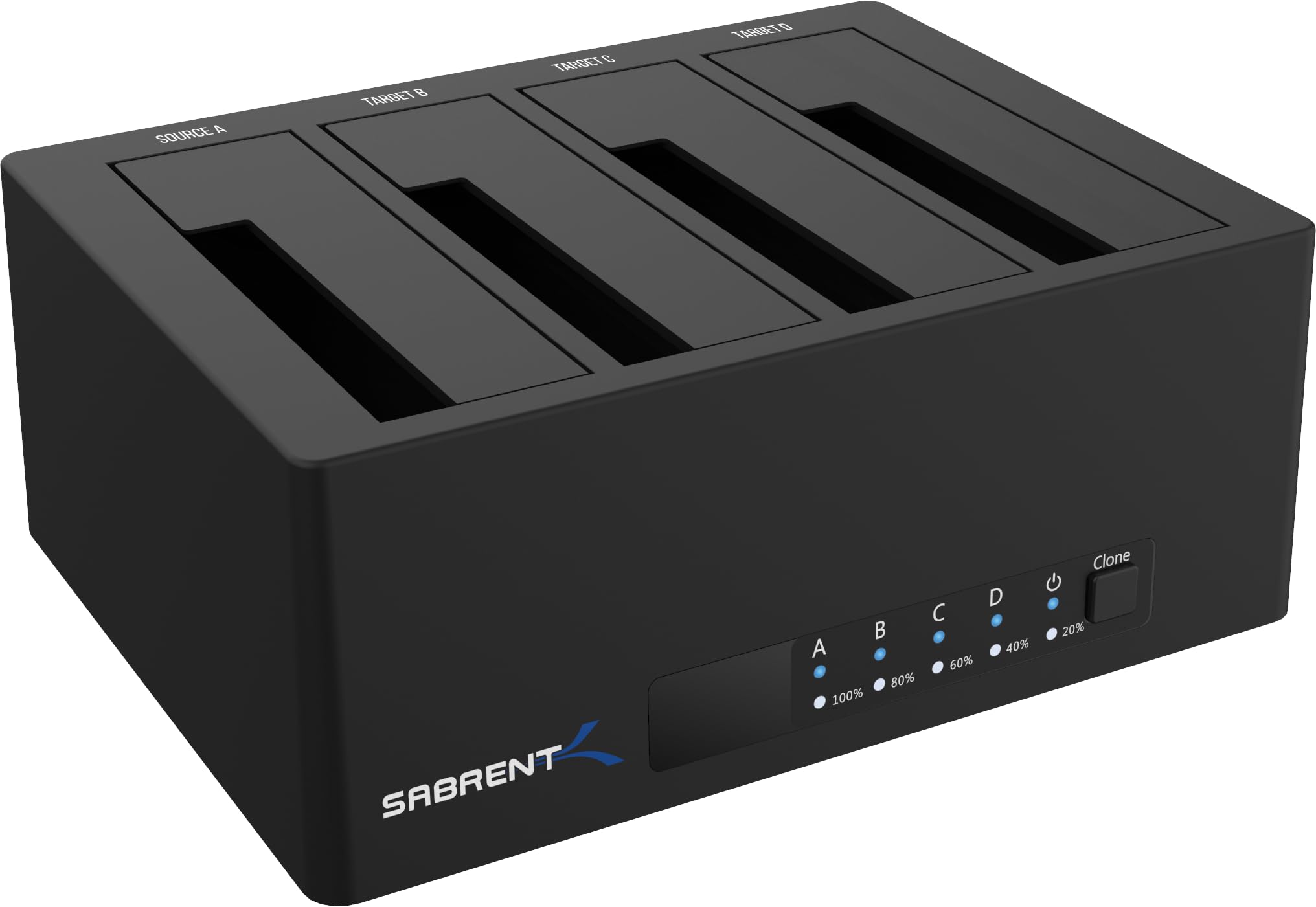
17,000+ ratings
Read Amazon ReviewsSABRENT 4-Bay USB 3.0 Hard Drive Docking Station, Clone (DS-U3B4)
Choose the four-bay model if you need to keep more drives installed or manage several disks from one dock.
The dual-bay USB-C model is a better match when two drive positions are enough and a USB-C host connection is preferable.
- This model supports up to four 2.5- or 3.5-inch SATA HDDs or SSDs, uses a USB 3.0 host connection up to 5Gbps, and includes offline cloning with progress LEDs.
- The Dual-Bay USB-C dock supports two 2.5- or 3.5-inch SATA drives and offers offline cloning.
Hard Drive Docking Stations alternative
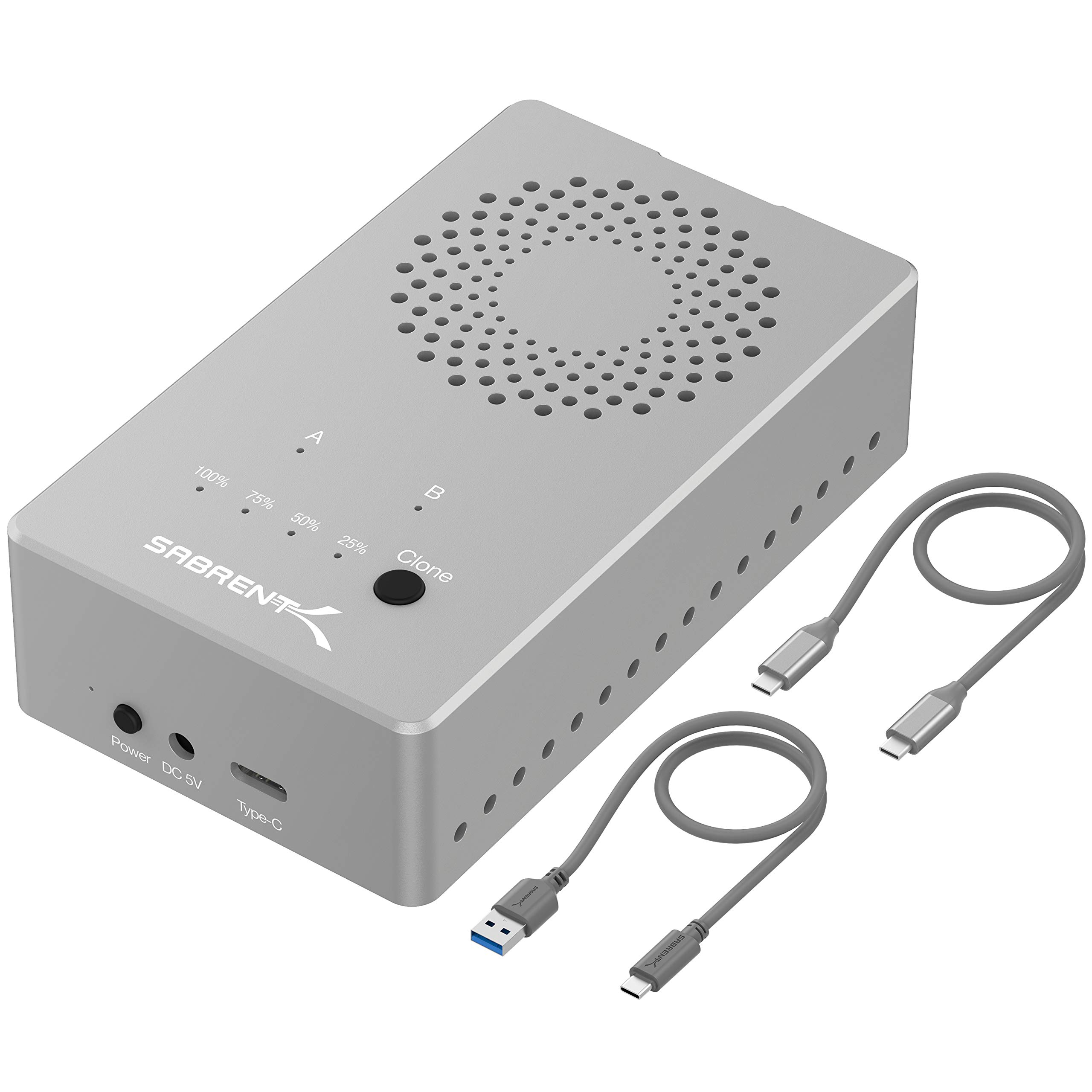
17,000+ ratings
Read Amazon ReviewsSABRENT Dual-Bay USB-C 10Gbps M.2 NVMe SSD Cloner Dock (EC-SSD2)
Pick the M.2 model if your drives are compatible NVMe SSDs and you want a higher listed interface speed. For 2.5- or 3.5-inch SATA HDDs, the main dock is the relevant fit.
- This dual-bay dock is for PCIe NVMe M.2 SSDs in sizes 2230, 2242, 2260, and 2280.
- It supports USB 3.2 speeds up to 10Gbps and offline cloning, but does not support regular M.2 SATA or AHCI SSDs.
- The main dock is designed for 2.5- and 3.5-inch SATA HDDs, with USB 3.0 speeds up to 5Gbps.
Is SABRENT Dual-Bay Dock Worth It?
The SABRENT Dual-Bay USB-C Hard Drive Docking Station & Cloner is worth considering for buyers who want a flexible dock for two 2.5- or 3.5-inch SATA drives, particularly when offline cloning is part of the job.
Tool-free drive changes and simultaneous access make it useful for routine file work and basic drive management.
Before buying, make sure the SATA form factor suits your drives and that the USB 3.0 speed ceiling matches your transfer needs.
If those tradeoffs fit your workflow, this dock brings useful access and cloning functions together in one device.
Your review at a glance
1,000+ ratings
Read Amazon ReviewsSABRENT Dual-Bay USB-C Hard Drive Docking Station & Cloner
A practical fit for buyers who work with 2.5- or 3.5-inch SATA drives and want two-bay access plus offline cloning.
- Two drive bays support reading from and writing to two drives simultaneously.
- Offline cloning copies a drive without requiring a computer, at speeds listed up to 60MBps.
- USB 3.0 connection offers transfer speeds of up to 5Gbps.
- Compatible with 2.5-inch and 3.5-inch SATA hard drives.