The Phomemo M110 Label Maker Machine review centers on a portable thermal printer designed for short business and everyday labeling jobs.
Its phone app, 20–50 mm label width range, and included starter labels suit sellers who want to create batches without a full-size shipping printer.
Phomemo M110 Review Summary
The quick verdict
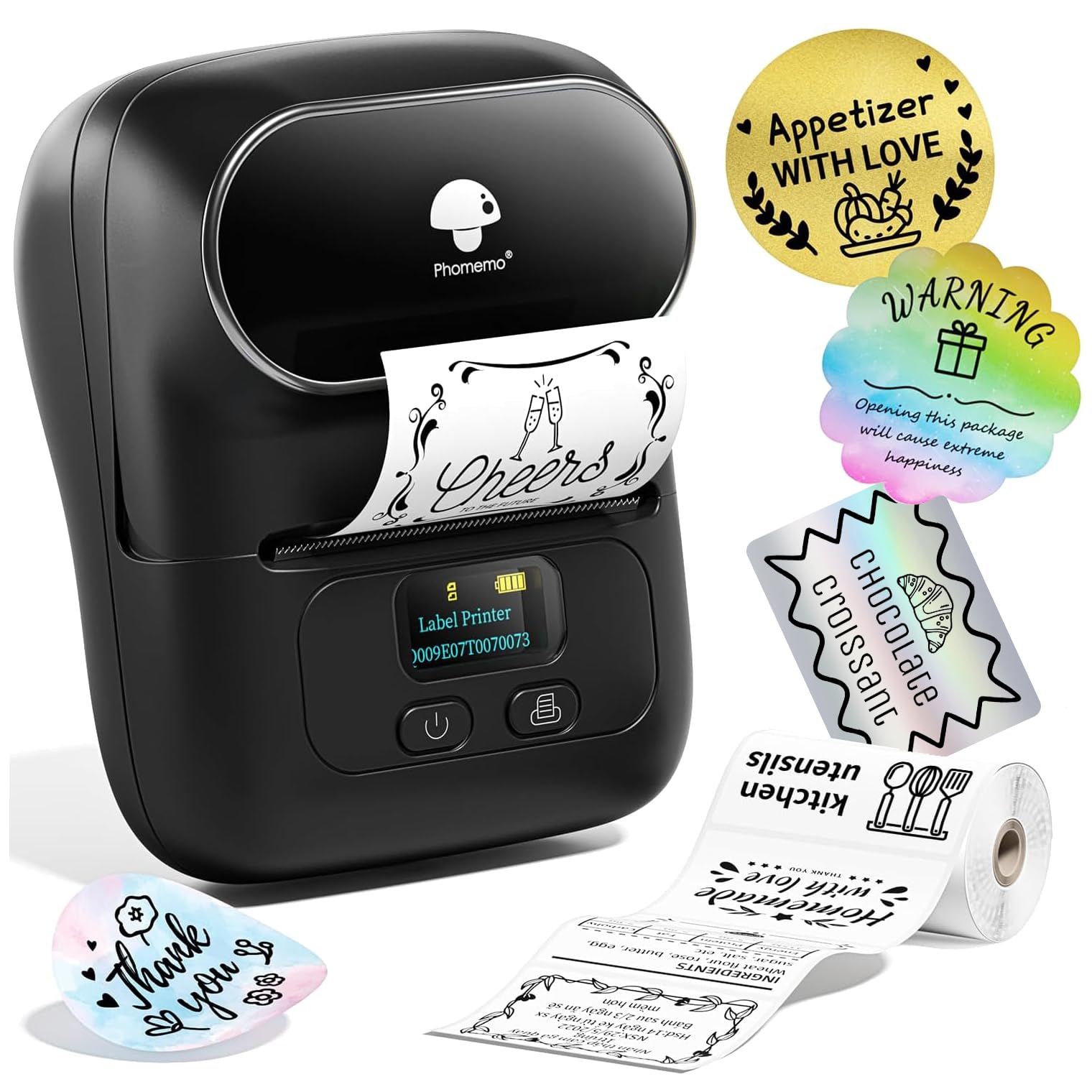
2,000+ ratings
Read Amazon ReviewsPhomemo M110 Label Maker
A compact, app-connected thermal label maker for small sellers and home users printing product, address, barcode, and organization labels.
- Thermal printing operates without ink, toner, or ribbons.
- Bluetooth connection supports iPhone and Android use through the Print Master app; PC and Mac use is described via USB.
- Accepts labels from 20 to 50 mm wide, for tasks such as price, ingredient, address, barcode, clothing, and jewelry labeling.
- The app includes more than 130 fonts and 300 templates, with additional custom sticker templates available through a subscription.

Pros
- Broad small-label use, from product and ingredient tags to barcodes and addresses.
- A large library of fonts and templates helps users create varied labels in the companion app.
Consider before buying
- The 20–50 mm width range is aimed at small labels, so buyers should confirm it matches their intended formats.
- Some additional custom sticker templates require a Print Master subscription.
Read the full review summary
The M110 combines Bluetooth printing through the Print Master app with a compact format and a 20–50 mm label width range.
It is built for smaller labels such as product pricing, ingredients, barcodes, addresses, clothing, and jewelry tags, with templates and fonts available for designing them.
Thermal printing removes the need for ink or toner, while a 40 × 30 mm starter roll gives new owners a way to begin labeling.
Its strongest fit is a home-based seller, crafter, or organizer who expects to produce frequent small labels from a phone.
The listed 1.2 inches-per-second speed, batch-printing support, and up to four hours of battery life point toward mobile or event-prep use.
Computer printing is also mentioned through USB for PC and Mac, but buyers who mainly need standard parcel labels should check that their required width fits the M110’s range.
The buying factors
Phomemo M110 Scorecard
Editorial scores reflect listed features and buyer fit; they are not laboratory measurements or customer ratings.
Label versatility
The 20–50 mm width range and support for addresses, ingredients, prices, barcodes, and product labels cover many small-label tasks.
Design options
The Print Master app offers more than 130 fonts and 300 templates, giving users a substantial starting point for label layouts.
Batch workflow
Batch printing and a listed speed of 1.2 inches per second are useful for repeated runs, though actual job time depends on the design and quantity.
Portability
Bluetooth phone printing and a stated battery life of up to four hours make it suitable for work away from a fixed desk.
Setup flexibility
The printer supports Bluetooth connections with phones and USB connections with PC or Mac, covering common personal and small-business setups.
Out-of-box readiness
The package includes 100 starter labels in 40 × 30 mm size, which is useful for trying a common format before choosing additional stock.
Key Features and Specifications of Phomemo M110
- Thermal printing operates without ink, toner, or ribbons.
- Bluetooth connection supports iPhone and Android use through the Print Master app; PC and Mac use is described via USB.
- Accepts labels from 20 to 50 mm wide, for tasks such as price, ingredient, address, barcode, clothing, and jewelry labeling.
- The app includes more than 130 fonts and 300 templates, with additional custom sticker templates available through a subscription.
- Supports batch printing and a listed print speed of 1.2 inches per second.
- Includes 100 labels sized 40 × 30 mm; battery life is listed as up to four hours.
Pros and Cons of Phomemo M110
Pros
- Broad small-label use, from product and ingredient tags to barcodes and addresses.
- A large library of fonts and templates helps users create varied labels in the companion app.
- Thermal output avoids ink and toner replenishment.
- Wireless phone use and a stated four-hour battery life support portable work.
Consider before buying
- The 20–50 mm width range is aimed at small labels, so buyers should confirm it matches their intended formats.
- Some additional custom sticker templates require a Print Master subscription.
- The included 40 × 30 mm labels are only one size; check label availability and format options for the types of jobs you expect to run.
Who Should Buy Phomemo M110?
Good fit
Consider the M110 if you sell handmade goods, prepare food products, or make price, barcode, ingredient, and address labels in modest batches.
Its range of templates and fonts can reduce the effort of designing every label from scratch, while batch printing helps when several items need matching tags.
It also makes sense for someone who wants labeling to move between a work table and other locations.
Phone-based Bluetooth printing, a rechargeable setup with up to four hours of listed battery life, and a starter set of labels cover a practical first run.
If your workflow is computer-based, confirm the USB connection and your operating setup before buying.
Who should skip it
Look elsewhere if your routine centers on standard 4 × 6 inch parcel labels or other formats wider than 50 mm; the M110’s documented range is intended for narrower labels.
It may be a poor match if you want a large collection of custom templates without a subscription, or if your printing needs are limited to occasional labels and the app-based design tools would go unused.
How the Phomemo M110 Fits Small Label Workflows
A format for product and organization labels
The 20–50 mm width range frames the M110 as a small-format label maker. That makes it relevant for product identification, price tags, ingredients, addresses, and household organization, where compact labels are practical.
Before purchase, compare the width and length of your usual labels with the stock supported by the printer.
Phone-first design with a learning curve
The Print Master app is the main design workspace for phone printing, with templates and fonts that can help users produce consistent tags without starting from a blank layout.
That flexibility is valuable when a shop uses several label styles, though buyers should decide whether the included options cover their needs or whether subscription templates matter to them.
Batch output and battery expectations
A listed speed of 1.2 inches per second and batch-printing support suit repeated label runs better than handwriting each tag.
The battery is described as lasting up to four hours, which suggests useful mobility for preparation or events; the actual fit depends on how long each session lasts and how many labels it involves.
Choosing the right connection and supplies
The printer supports Bluetooth through the app for iPhone and Android, plus USB use with PC or Mac. That gives buyers a choice of phone or computer workflows.
The included 100 labels are 40 × 30 mm, so it is sensible to check that replacement label sizes and formats suit your regular tasks before settling on a supply routine.
Alternatives to Phomemo M110
Desktop Label Printers alternative
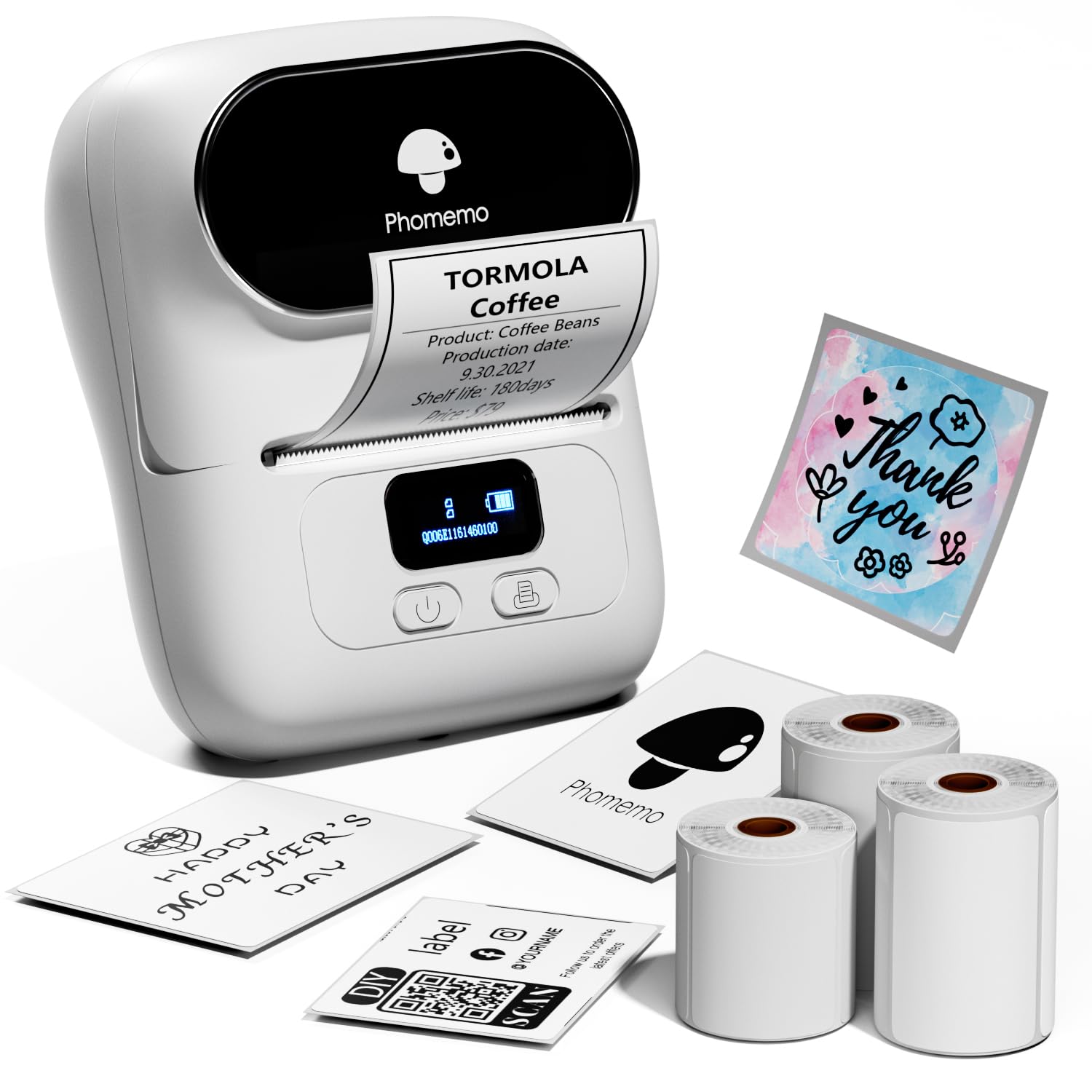
6,000+ ratings
Read Amazon ReviewsPhomemo M110 Label Printer with Three Labels
Choose this bundle if you want to start with several label sizes for the same small-label workflow. The reviewed option is a simpler fit if one 40 × 30 mm starter roll is enough to begin.
- This M110 bundle lists three included label sizes: 40 × 30 mm, 50 × 30 mm, and 50 × 80 mm.
- The reviewed M110 bundle includes 100 starter labels in a single 40 × 30 mm size.
Desktop Label Printers alternative
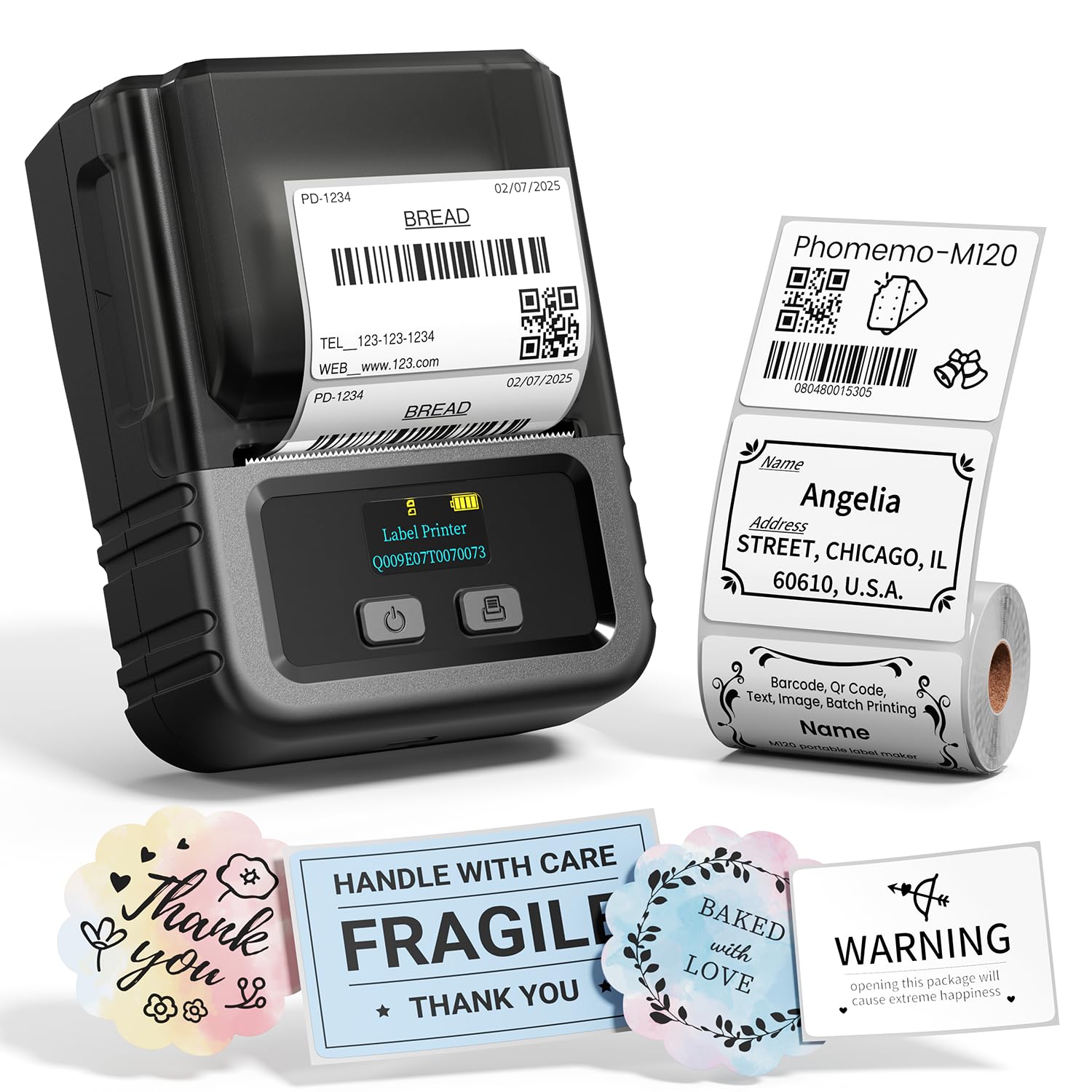
1,000+ ratings
Read Amazon ReviewsPhomemo M120 Label Printer
Consider the M120 if Chrome OS support is important to your computer workflow or you value its listed wider app library. The M110 remains a reasonable choice if its stated connection options and template set match your needs.
- The M120 listing describes Bluetooth phone printing plus USB-C computer connections for Windows, Mac, and Chrome OS, and includes 100 labels sized 40 × 30 mm.
- The reviewed M110 is described for phone printing over Bluetooth and computer printing through USB.
Is Phomemo M110 Worth It?
The Phomemo M110 Label Maker is worth considering for small sellers, crafters, and home users who need portable printing for narrow product, address, ingredient, or organization labels.
Its app templates, batch support, and ink-free thermal approach make a practical combination for recurring short runs.
Before buying, confirm that 20–50 mm labels cover your work, that the app-based workflow suits you, and that the included 40 × 30 mm stock is a useful starting size.
If those conditions fit, the M110 offers a focused way to make consistent small labels without setting up a larger printer.
Your review at a glance
2,000+ ratings
Read Amazon ReviewsPhomemo M110 Label Maker
A compact, app-connected thermal label maker for small sellers and home users printing product, address, barcode, and organization labels.
- Thermal printing operates without ink, toner, or ribbons.
- Bluetooth connection supports iPhone and Android use through the Print Master app; PC and Mac use is described via USB.
- Accepts labels from 20 to 50 mm wide, for tasks such as price, ingredient, address, barcode, clothing, and jewelry labeling.
- The app includes more than 130 fonts and 300 templates, with additional custom sticker templates available through a subscription.